About Top Web Viewer
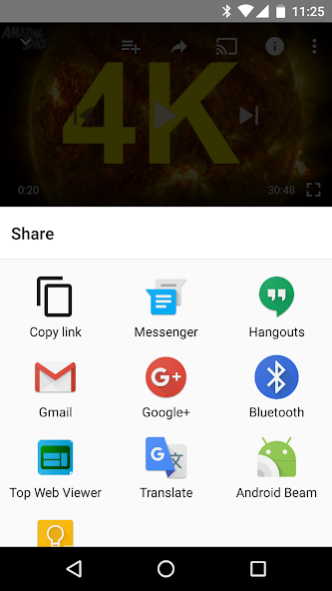
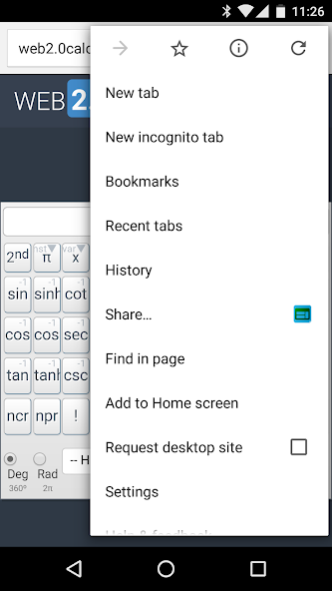
Top Web Viewer is designed with a small window shown on top of other apps. And, the window is resizable, movable and foldable. Better experience for cross reference on one single web page on your phone/tablet (Android...
Top Web Viewer is designed with a small window shown on top of other apps.
And, the window is resizable, movable and foldable.
Better experience for cross reference on one single web page on your phone/tablet (Android Jelly Bean 4.3 [API 18] and above).
Key features:
* Resizable: adjust the window size by holding the Resize button (at the bottom right).
* Movable: move the window by holding the blank area (title bar and foot bar).
* Foldable: fold the window by tapping the Fold button (at the top left).
* Opacity: adjust the value to get transparent window.
Previous Versions
Here you can find the changelog of Top Web Viewer since it was posted on our website on 2016-12-26 02:29:27.
The latest version is 1.5.1 and it was updated on 2024-04-22 11:24:59. See below the changes in each version.
Top Web Viewer version 1.5.1
Updated At: 2019-11-03
Changes: Upgrade Target SDK to 28.
Top Web Viewer version 1.3.1
Updated At: 2019-10-30
Changes: Upgrade Target SDK to 26
Top Web Viewer version 1.2.7
Updated At: 2016-11-24
Changes: Get rid of warning messages.
Disclaimer
Official Google Play Link
We do not host Top Web Viewer on our servers. We did not scan it for viruses, adware, spyware or other type of malware. This app is hosted by Google and passed their terms and conditions to be listed there. We recommend caution when installing it.
The Google Play link for Top Web Viewer is provided to you by apps112.com without any warranties, representations or guarantees of any kind, so access it at your own risk.
If you have questions regarding this particular app contact the publisher directly. For questions about the functionalities of apps112.com contact us.